Guia de Fortnite
How to Track Fortnite Skin Returns: A Practical Item Shop History Guide
Track a Fortnite skin return without false promises using exact cosmetic profiles, Item Shop status and availability history.
Por FortRift Editorial Team · Atualizado 14 de setembro de 2026
Resposta direta
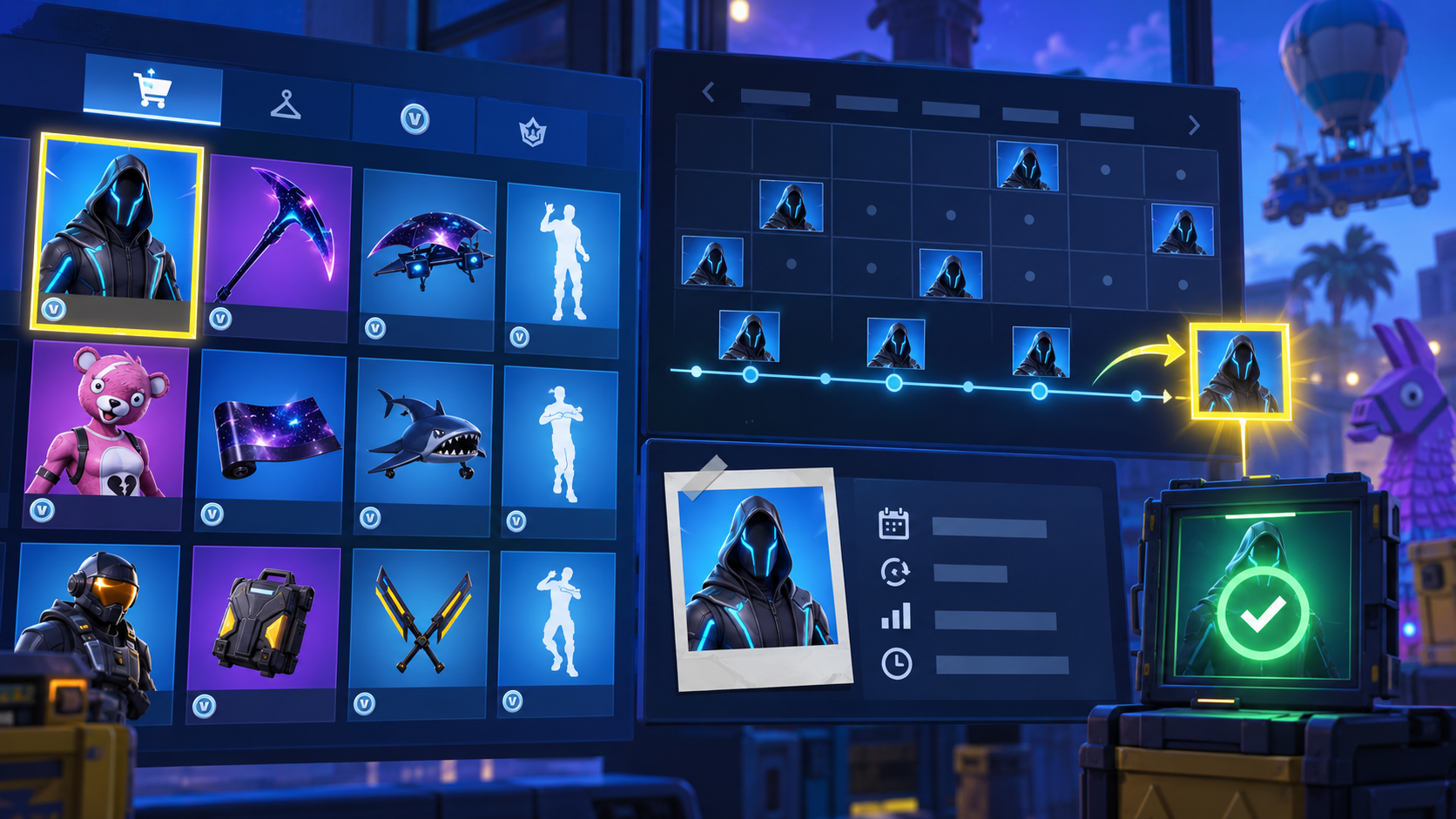
To track a Fortnite skin return, identify the exact cosmetic profile, check how it was originally obtained, read its history for context and verify the live Item Shop after the 00:00 UTC reset. History can explain a skin’s past, but only an active shop listing confirms that it has returned.
Build a watchlist from exact cosmetic records
Use the complete in-game name. Fortnite has related sets, styles and cosmetics that can look similar in a fast search. Open the profile and confirm you are tracking an Outfit rather than a Back Bling, Pickaxe or another style.
A player looking for Peely should use that exact profile as the reference point. Someone watching Midas has a different cosmetic record and should not merge the two histories.
Interpret history without predicting it
History is valuable because it supplies context. It cannot tell you the date of the next return. Offers can return unexpectedly, sections can stay active for several resets and some cosmetics were never normal rotating shop inventory.
Avoid any tracker that turns time away from the shop into a countdown. A responsible source can say an Outfit is not active and explain the record; it cannot manufacture a date or a guarantee.
Use the reset as a calm verification habit
The practical checkpoint is 00:00 UTC. Open Fortnite Item Shop Today, search the active rotation and inspect the offer itself. You get current product art, price and bundle context in one place.
There is no need to repeatedly refresh throughout the day. One clear check after reset is more accurate than a rumour-driven loop. If the cosmetic is absent, its profile is still useful archive material—not evidence that it is due tomorrow.
Perguntas frequentes
How can I know when a Fortnite skin is coming back?
Track its profile and check the live shop after reset, but an unannounced rotation cannot be guaranteed.
What time should I check?
Use 00:00 UTC as the reset reference, then check shortly afterwards.
Why is a skin in the archive but not the shop?
The archive documents cosmetics whether or not they are currently offered. The shop is the live availability signal.
Leituras relacionadas