Cosmetic intelligence
Fortnite Skin Returns
How to Track Fortnite Skin Returns: A Practical Item Shop History Guide
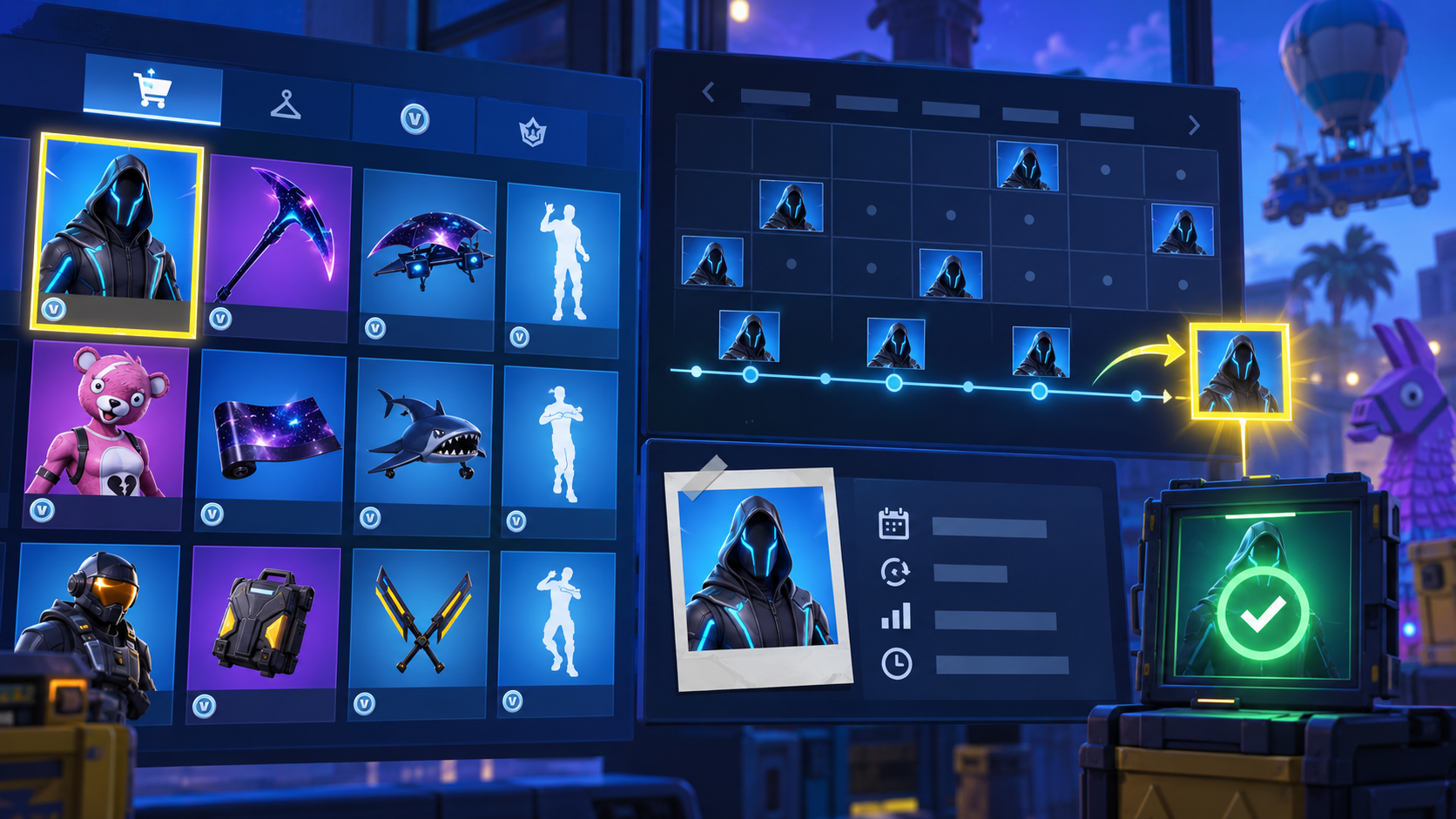
Direct answer
To track a Fortnite skin return, identify the exact cosmetic profile, check how it was originally obtained, read its history for context and verify the live Item Shop after the 00:00 UTC reset. History can explain a skin’s past, but only an active shop listing confirms that it has returned.
First step
Confirm the exact in-game name
Daily checkpoint
00:00 UTC reset
What to track
Route, set, price context and history
Return confirmation
A live Item Shop listing
A dependable skin-return routine is simple: start with the exact Outfit name, check how it entered Fortnite, and end with the live Item Shop. Most false alarms happen when someone skips the middle and treats a historic image, similar cosmetic or rumour as a current offer.
The FortRift archive and live shop have different jobs. The archive explains what a cosmetic is and where it belongs; the shop confirms what is purchasable today. Keeping them distinct makes a watchlist useful without pretending a third party can schedule Epic’s next rotation.
A realistic Fortnite skin-return watchlist
| Stage | Check | Why it matters |
|---|---|---|
| Identify | Exact cosmetic profile | Avoid a style or set mismatch |
| Classify | Shop, Battle Pass, event or promotion | Set realistic expectations |
| Contextualise | Release and history details | Understand the cosmetic story |
| Confirm | Live shop after reset | See whether it is available now |
Build a watchlist from exact cosmetic records
Use the complete in-game name. Fortnite has related sets, styles and cosmetics that can look similar in a fast search. Open the profile and confirm you are tracking an Outfit rather than a Back Bling, Pickaxe or another style.
A player looking for Peely should use that exact profile as the reference point. Someone watching Midas has a different cosmetic record and should not merge the two histories.
Interpret history without predicting it
History is valuable because it supplies context. It cannot tell you the date of the next return. Offers can return unexpectedly, sections can stay active for several resets and some cosmetics were never normal rotating shop inventory.
Avoid any tracker that turns time away from the shop into a countdown. A responsible source can say an Outfit is not active and explain the record; it cannot manufacture a date or a guarantee.
Use the reset as a calm verification habit
The practical checkpoint is 00:00 UTC. Open Fortnite Item Shop Today, search the active rotation and inspect the offer itself. You get current product art, price and bundle context in one place.
There is no need to repeatedly refresh throughout the day. One clear check after reset is more accurate than a rumour-driven loop. If the cosmetic is absent, its profile is still useful archive material—not evidence that it is due tomorrow.
Step-by-step guide
- 1
Search the exact Outfit
Start in the skin archive and verify the cosmetic name, category and set.
- 2
Check the original route
Determine whether it was tied to the shop, Battle Pass, event, Crew or a promotion.
- 3
Read the record carefully
Use history as background, without converting it into a predicted return.
- 4
Verify after reset
After 00:00 UTC, open the live Item Shop. An active offer is the confirmation.
- 5
Inspect bundles before buying
If the Outfit returns in a bundle, check the included cosmetics and current price.
Common mistakes
Tracking an image, not the exact name
A screenshot may show a style or another set item. The dedicated profile is the reference.
Using leaks as confirmation
A rumour is not an active storefront listing.
Assuming every cosmetic follows shop logic
Some cosmetics use a different acquisition route and should not be treated as normal rotations.
Frequently asked questions
How can I know when a Fortnite skin is coming back?
Track its profile and check the live shop after reset, but an unannounced rotation cannot be guaranteed.
What time should I check?
Use 00:00 UTC as the reset reference, then check shortly afterwards.
Why is a skin in the archive but not the shop?
The archive documents cosmetics whether or not they are currently offered. The shop is the live availability signal.