Season guide
Fortnitemares 2026: Modes, Bosses and What to Check Before Playing
A returning-player guide to Fortnite’s Halloween event, separating Battle Royale encounters, Horde Rush and cosmetic availability.
By FortRift Editorial Team · Published and checked · 3 min read
Quick answer
Fortnitemares 2026 brings Halloween changes across several Fortnite modes. Epic’s event notes give November 1 as the end date. Choose a mode before planning your objectives: Battle Royale encounters, Horde Rush survival and Reload matches are separate experiences.
Pick your playlist before following a guide.
Keep gameplay rewards and Shop cosmetics separate.
Use the live game to confirm remaining objectives.
Two encounters returning players will notice
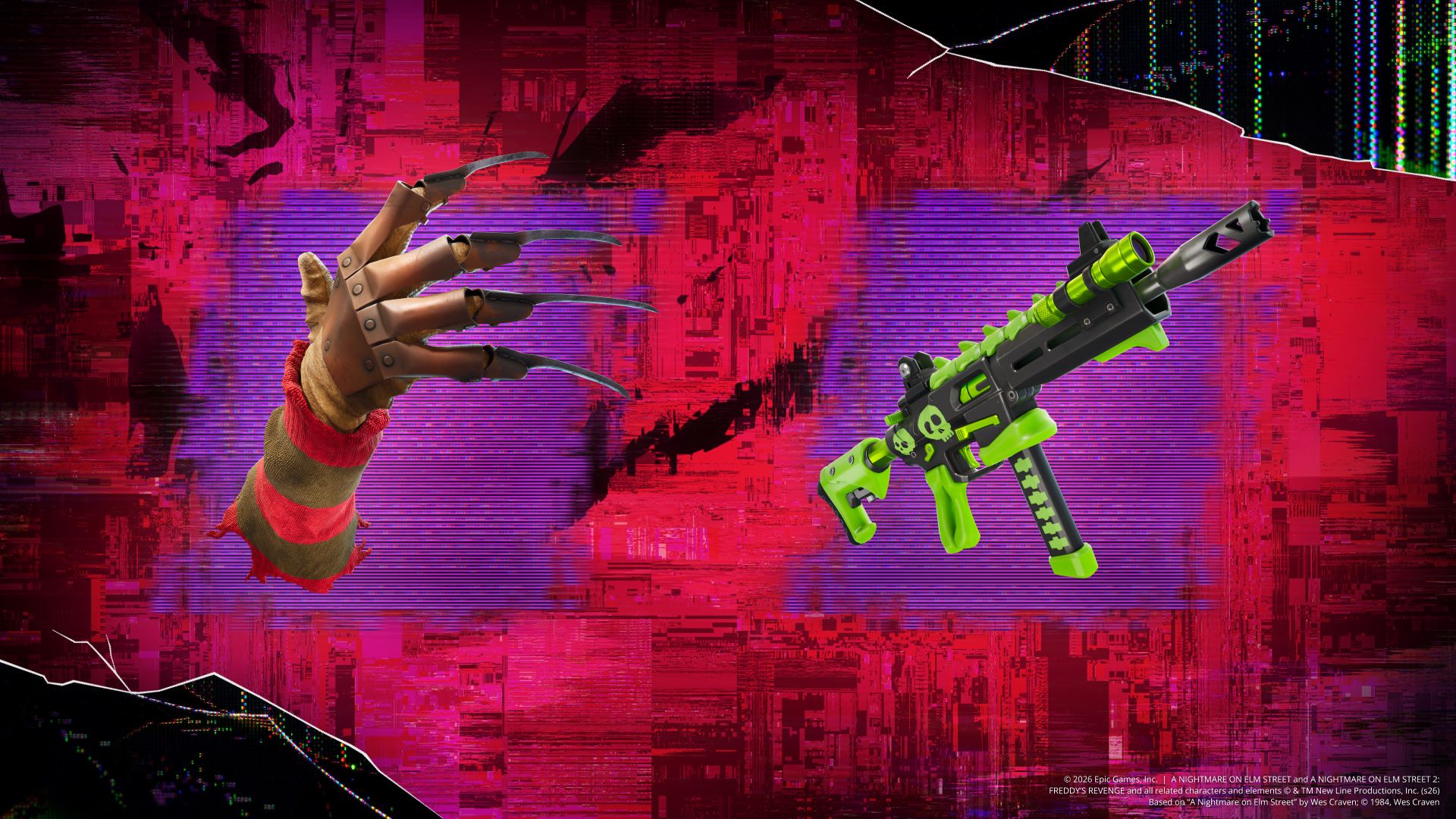
Epic’s announcement places Freddy Krueger in Nightmare Neighborhood and introduces the Bonerattler SMG, which reveals opponents. The developer notes also describe possessing defeated Five Nights at Freddy’s animatronics. These are gameplay features; owning a related Outfit is a separate question.
Our practical advice is to learn an encounter with a squad before building an entire match around it. Agree on a regroup point and avoid leaving teammates across the map while chasing a new mechanic. An interesting boss is not automatically the best route for every team.
Choose the session you actually want
For cooperative survival, the event notes describe Horde Rush waves, weapon upgrades and an Endless Mode after its final boss. If your goal is a particular quest, read its mode requirement before queuing. A seasonal banner does not prove that progress carries between all playlists.
For an ordinary match with seasonal changes, start from the current mode selector. This article is an orientation guide, not a live loot database. Balance changes and playlist availability should be checked in the game rather than inferred from an October launch screenshot.
Check cosmetics independently
The October announcement names horror collaborations including Five Nights at Freddy’s and A Nightmare on Elm Street. That announcement does not establish that every named cosmetic remains on sale throughout the event.
Use today’s Item Shop for the active offer, then inspect its contents before spending. If you are following a particular Outfit, our skin-return guide explains how to separate historical information from a confirmed listing.
Your next steps
- Pick a mode and read the quest requirements.
- Check the latest in-game news for the relevant encounter.
- Review the final-days schedule if you are playing on October 30–31.
Frequently asked questions
Is a Halloween character mentioned in the news guaranteed to be in the Shop?
No. Check the active listing rather than treating an announcement as a current offer.
Should I follow the same route in every mode?
No. Match your objective to the selected playlist and its current rules.