PC setup
Fortnite PC requirements: minimum, recommended and Epic quality
Compare Epic's Fortnite PC requirements, check your CPU, GPU, RAM and storage, and understand what minimum specifications do—and do not—promise.
By FortRift Editorial Team · Published and checked · 4 min read
Quick answer
Epic lists 8 GB RAM for Fortnite's minimum PC specification and 16 GB or more for recommended and Epic-quality configurations. The recommended setup includes an NVMe SSD. Match the complete processor, graphics card and Windows version against the official tiers below; meeting a tier does not guarantee a particular frame rate.
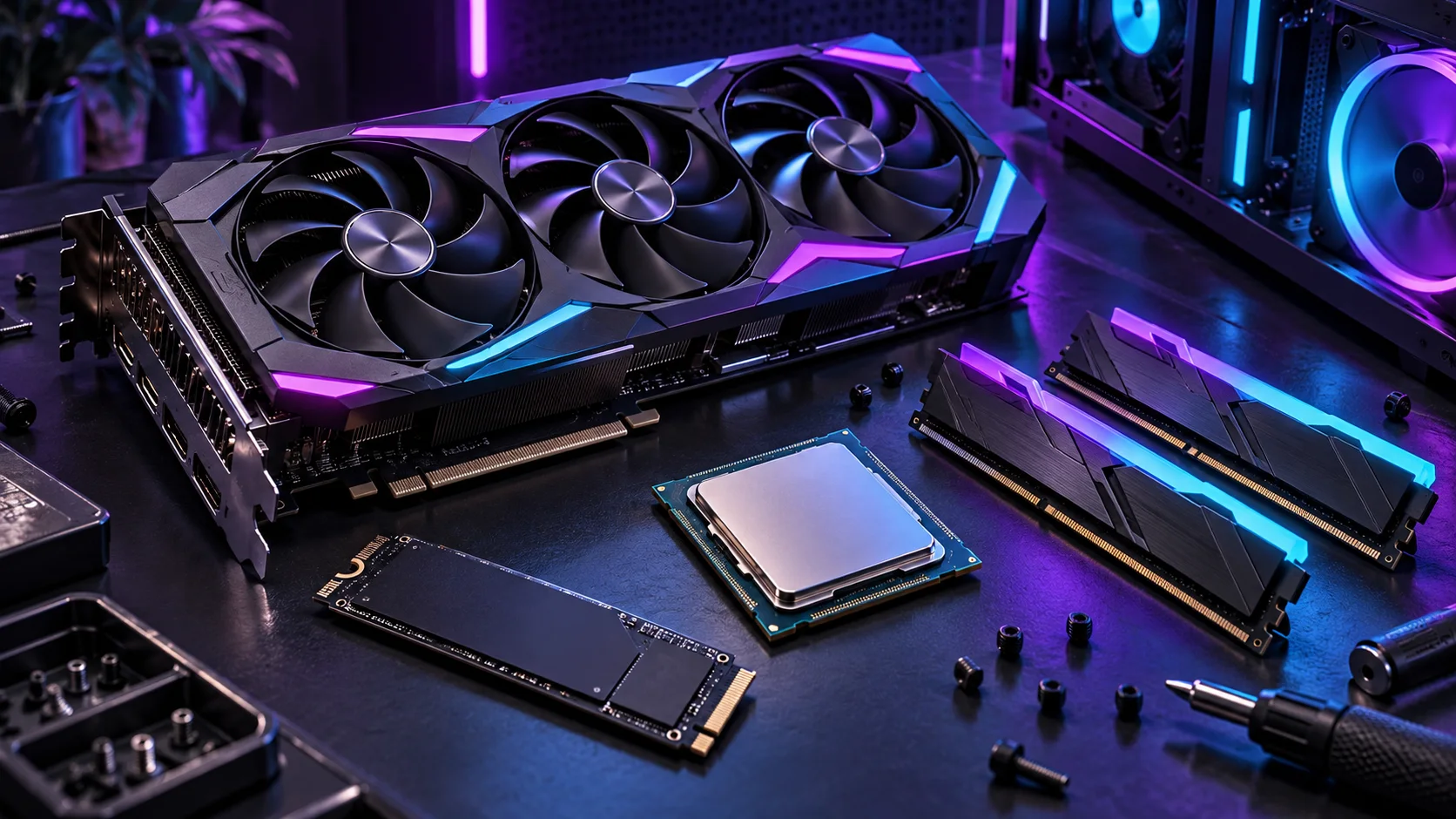
Minimum requirements are a compatibility baseline, not a 60, 144 or 240 FPS guarantee.
System RAM and graphics memory are different measurements.
Check the launcher's current storage estimate; download size and installed size are not interchangeable.
| Component | Minimum | Recommended | Epic quality |
|---|---|---|---|
| Processor | Intel Core i3-3225 3.3 GHz | Intel Core i5-7300U 3.5 GHz / AMD Ryzen 3 3300U or equivalent | Intel Core i7-8700 / AMD Ryzen 7 3700X or equivalent |
| Graphics | Intel HD 4000 on PC / AMD Radeon Vega 8 | Nvidia GTX 960 / AMD R9 280 or equivalent DX11 GPU | Nvidia RTX 3070 / AMD Radeon RX 6700 XT or equivalent |
| Graphics memory | No separate VRAM amount specified in this tier | 2 GB VRAM | 8 GB VRAM or more |
| System memory | 8 GB RAM | 16 GB RAM or more | 16 GB RAM or more |
| Storage | No drive type specified in this tier | NVMe solid-state drive | NVMe solid-state drive |
| Windows | Windows 10 version 22H2 64-bit, or Windows 10 Enterprise version 21H2 64-bit | Windows 10/11 64-bit | Windows 10/11 64-bit |
Choose the requirement tier that matches your question
If you want to know whether an existing PC meets the published baseline, compare it with the minimum column. If you are investigating why a playable system still feels limited, compare the recommended tier and your actual settings. Epic quality is a separate, more demanding reference configuration.
Do not translate these tiers into invented benchmark results. The table does not specify a guaranteed resolution, competitive frame rate or worst-case performance in every island. Our Fortnite PC settings guide explains how to test settings against your own hardware.
Check the full CPU and GPU names
Use Windows' system information and device information to record the complete processor and graphics adapter models. A label such as Core i7, Ryzen 5 or GeForce alone is not enough: products from different generations and laptop power classes can perform very differently.
A laptop may contain both integrated graphics and a dedicated GPU. Check which device the game uses before concluding that the entire laptop is below specification. Do not compare a desktop card with a similarly named laptop product solely by the family name, and do not assume clock speed alone measures CPU performance.
Three resources, three different jobs
System RAM
Memory used by the game and other applications.
Graphics memory
Memory used for graphics; do not add it to system RAM.
Storage
Space and file operations; an SSD does not replace a GPU.
Separate RAM from VRAM
RAM is the computer's system memory; VRAM is memory available to the graphics processor. Adding the two figures together is not a valid comparison with either requirement. A PC with 8 GB RAM and a 4 GB graphics card does not have 12 GB of system RAM.
Integrated graphics may share system memory. That makes the complete memory configuration relevant, especially with other applications open. Close unnecessary workloads for a repeatable test, but do not treat a memory-cleaner download as a hardware upgrade or a guaranteed performance fix.
Understand SSD, download and installed space
Epic recommends an NVMe SSD in the recommended and Epic-quality tiers. Storage can influence loading and file operations, but an SSD does not turn an underpowered graphics processor into a high-end one. Diagnose slow updates separately from low frame rate during a match.
The support matrix does not give one permanent installation size. Optional content, language files and updates can change the requirement. Read the current estimate in the Epic Games Launcher and leave room for the operation it requests. See Fortnite update size before treating a download figure as the final occupied space.
Check the Windows edition, version and architecture
The minimum support listing names specific Windows 10 releases and requires 64-bit Windows. A PC simply described as running Windows 10 is not a complete match: check its edition, release and system type. The recommended and Epic-quality columns list Windows 10/11 64-bit.
This is Epic's game requirement list, not a statement about Microsoft's operating-system support lifecycle. Use your operating-system provider's current support guidance when deciding on an OS upgrade. Do not install an unofficial modified Windows build just to bypass a compatibility message.
Test before deciding what needs upgrading
Record your hardware, display resolution, rendering mode and the symptom. Low FPS, intermittent stutter, a slow download and network delay are different problems. Run a comparable session after changing one setting, instead of changing the entire configuration at once.
If the launcher is slow while the game itself runs normally, use the slow PC download guide. If the game runs but misses your target frame rate, start with settings and workload checks. Requirements alone cannot identify a worthwhile purchase or prove which component is the bottleneck.
Your next steps
- Record the full CPU and GPU model names.
- Check system RAM and graphics memory separately.
- Confirm the Windows edition, version and 64-bit system type.
- Check the drive type and the launcher's current free-space requirement.
- Compare the appropriate tier, then test a repeatable session with recorded settings.
Frequently asked questions
Can Fortnite run with 8 GB RAM?
Epic lists 8 GB as the minimum system memory. Recommended and Epic-quality configurations list 16 GB or more; 8 GB alone does not prove the rest of the PC meets the requirements.
Do minimum requirements guarantee 60 FPS?
No. Epic's support matrix does not promise a particular frame rate for every resolution, setting or experience.
Does Fortnite require an SSD?
Epic lists an NVMe SSD in the recommended and Epic-quality tiers. Its minimum tier does not specify a drive type.
Is 4 GB of VRAM the same as 4 GB of RAM?
No. Graphics memory and system memory serve different roles and must be checked separately.
How much storage does Fortnite need?
Check the current launcher estimate and the content you select. Download size, installed size and temporary update space can differ.